Handle every website conversation from one real-time workspace
Ringnity brings live chat, browser calls, video sessions, queues, and contacts into one operating layer for support and sales teams.
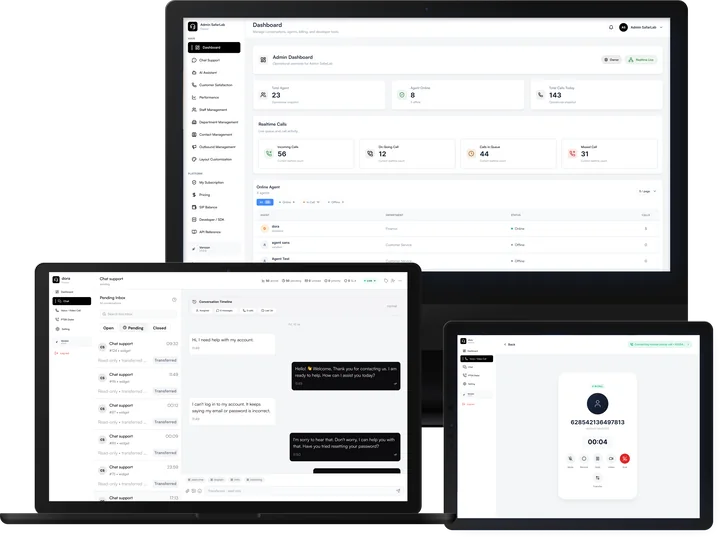
What this category includes
A practical breakdown of the Ringnity capabilities grouped under Core Communication.
Live Chat
Let visitors start a conversation from your website widget and keep the thread available for agents.
Browser Voice Call
Customers can call directly from the website without phone credit, phone numbers, or a separate app.
Video Call
Move high-touch conversations into a visual session when the customer needs guided support.
Contact Profiles
Keep customer identity, conversation history, and call context close to the agent workflow.
How teams use it in practice
The feature set is designed around actual customer service movement: receive demand, route it, resolve it, and keep the context.
Visitor opens the Ringnity launcher on your website.
The conversation enters a queue or routes to the right team.
An agent accepts the session and continues by chat, voice, or video.
Customer context stays available for follow-up and reporting.
Turn Your Website Into a Real-Time Call Center
Let customers call your team directly from your website, no phone numbers and no apps required. Just add one <script>.